$20.00
We will hold your cart for 15:00.
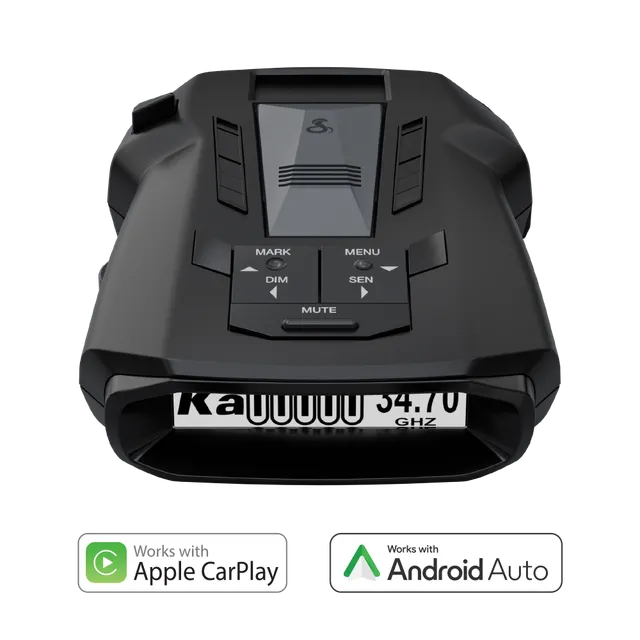
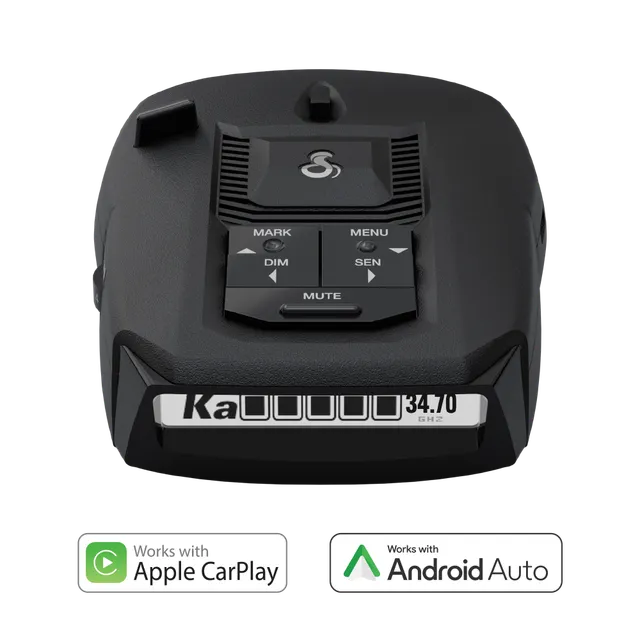
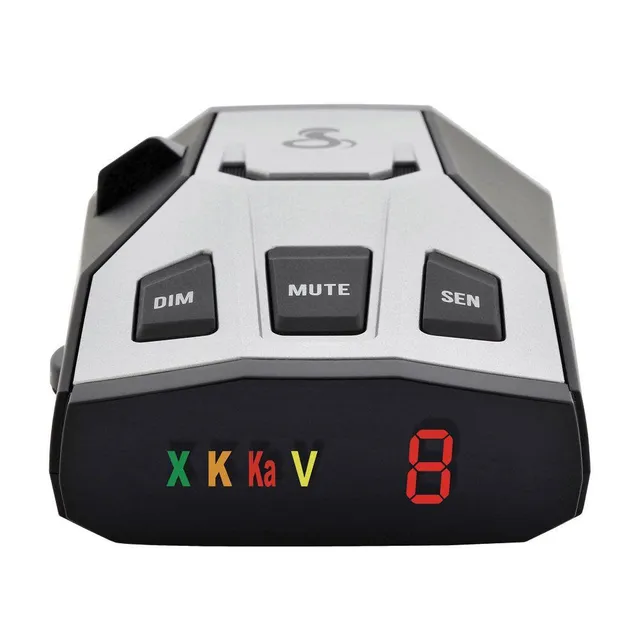
You just mounted your Cobra RAD 700i, fired it up, and took to the highway. Then, two minutes later, the detector screams at you for a warning that isn’t there. Worse, the mount lets go and the unit bounces off the dash. If you’ve searched for “how to fix the Cobra RAD 700i EZ Mag mount that won’t stick” or “why does my Cobra RAD 700i give constant false alerts”, you’re not alone.
The good news: most RAD 700i issues have simple, real-world fixes. In this guide, I’ll show you exactly how to clean and reset the magnetic mount, cut false alerts down to a minimum, and update the firmware—even on a Mac—so your radar detector actually works the way it should.
By the end, you’ll have a detector that stays put, stays quiet when it should, and keeps you informed without the drama.
The RAD 700i uses the EZ Mag mount—a magnetic bracket that sticks to your windshield. It’s convenient, but it only works if the adhesive pad and glass are perfectly clean. Over time, dust, skin oil, and heat degrade the bond, and that’s when the mount starts dropping.
If the pad is worn or cracked, you might need a replacement. The RAD 700i’s mount is the same design as other Cobra EZ Mag models, but always check your manual for the exact part number.
While you’re at it, wipe down the metal contacts on the mount and the back of the RAD 700i with a dry cloth. Dirty contacts can cause intermittent connection issues, which some owners mistake for a failing mount.
False alerts are the number-one complaint with any radar detector, and the RAD 700i is no exception. The culprit is usually blind-spot monitoring systems, automatic door openers, traffic flow sensors, and even other vehicles’ radar-based cruise control. These all emit signals in the same K-band frequency that police radar uses.
The RAD 700i has features to handle this: GPS AutoLearn and IVT filtering. But they only work if you configure them properly.
If you’re still getting too many alerts, try City mode for urban driving. It reduces responsiveness to low-priority bands. For highway, switch back to Highway mode so you don’t miss real threats.
Firmware updates fix bugs, improve detection, and update GPS lockout data. But many owners run into trouble, especially on Macs. Here’s the process that works.
If the update fails, try a different cable, close other programs, or restart your computer. Some users have success by putting the detector into update mode: hold the Power button for 10 seconds while plugging in the USB. That forces a manual update mode.
Can’t update on a Mac? The Drive Smarter app is fully supported on macOS 10.14 or later. If your Mac is older, use a Windows computer or visit a local electronics store for help.
Radar detectors live a tough life: sun, dust, temperature swings, and the occasional coffee spill. A little regular care keeps the sensor lenses clean and the electronics happy.
Most RAD 700i issues can be solved at home with a little patience. But if you’ve tried the cleaning and still the mount won’t stick—or if the screen stays black no matter what—it may be time for professional service. Check your warranty: Cobra offers a one-year limited warranty on the RAD 700i. Contact their support team for repair or replacement options.
And if your RAD 700i is beyond saving, or you want a backup unit, the Cobra RAD 490i offers similar digital signal processing with GPS at a slightly different price point.
The Cobra RAD 700i is a solid radar detector—once you tame its quirks. A clean mount, proper filtering settings, and up-to-date firmware transform it from an annoying beeper into a reliable co-pilot. Make these maintenance steps part of your routine, and you’ll enjoy distraction-free driving for years.
If you’re still hunting for that perfect detector, check out our other guides or give the RAD 700i another try—you might be surprised at how good it is once it’s set up right.
Orders over $45.00 ship free. Otherwise, shipping is $8.00.
Hassle-free returns
SSL encrypted checkout
100% genuine products
Explore Victron Energy and Cobra inverters built for vans, boats, and remote worksites—with expert support to match your setup.
Email: support@chargewise.shop
Address: 4821 Arlington Ridge Road, Suite 125, Austin, TX 78759, United States