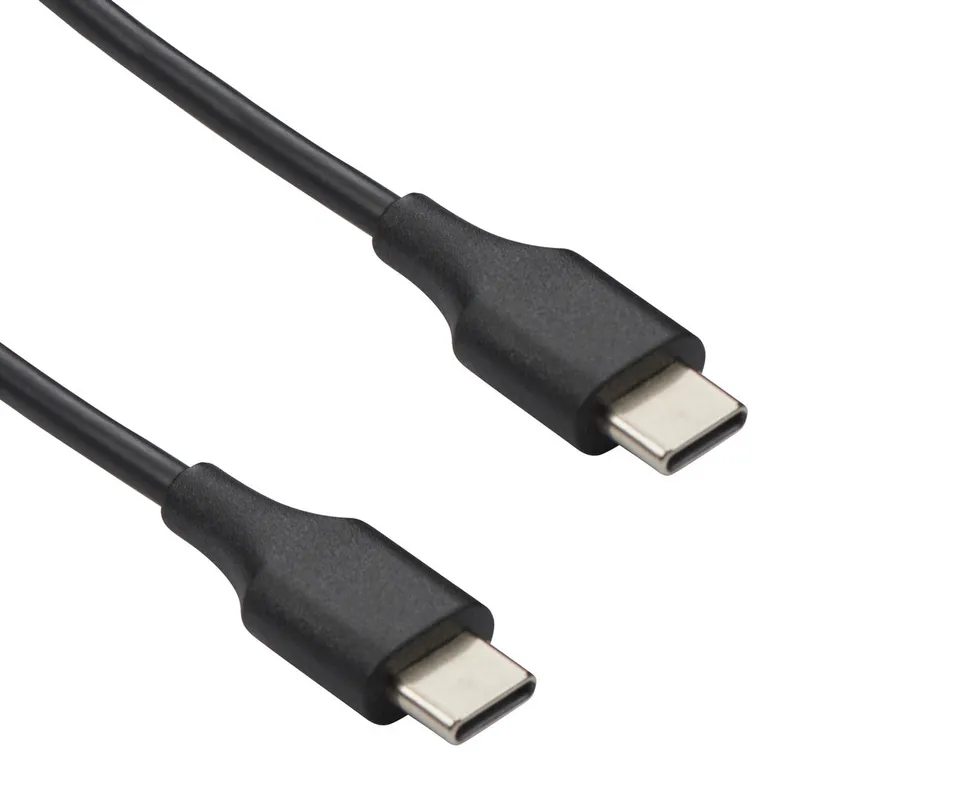
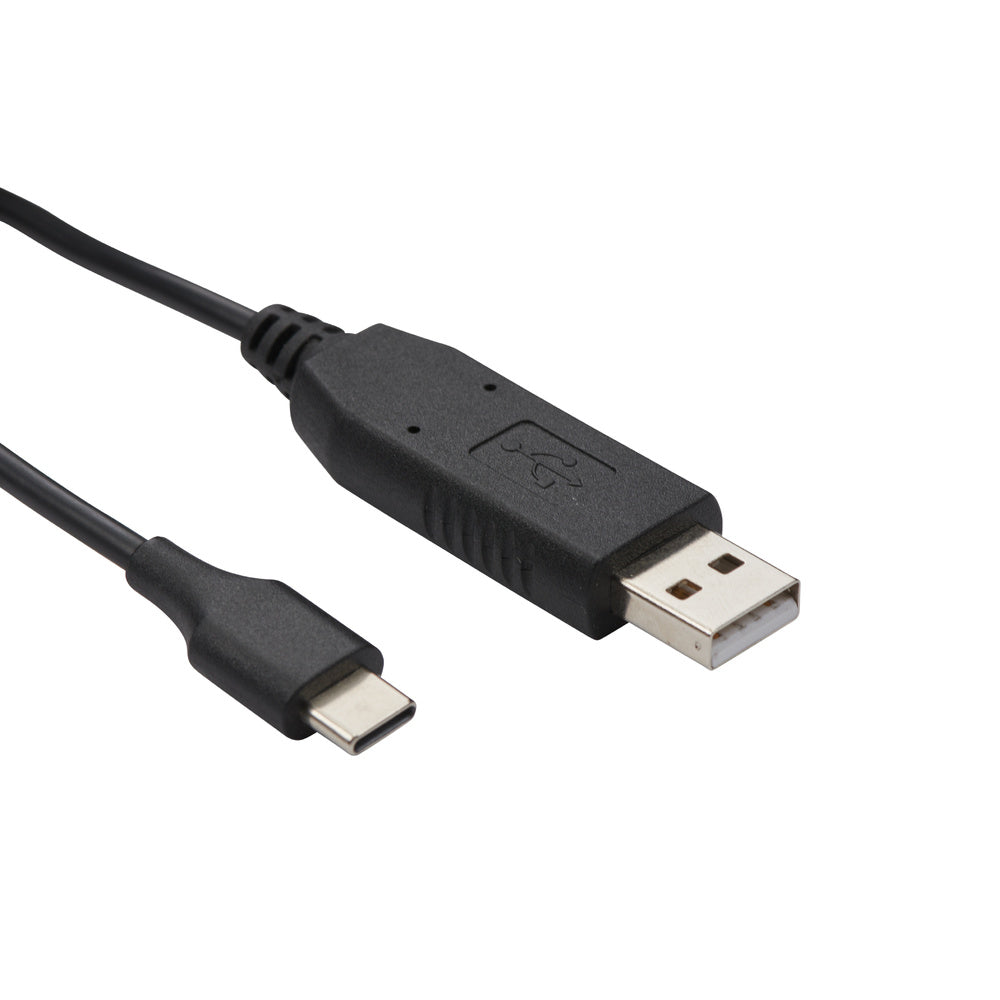
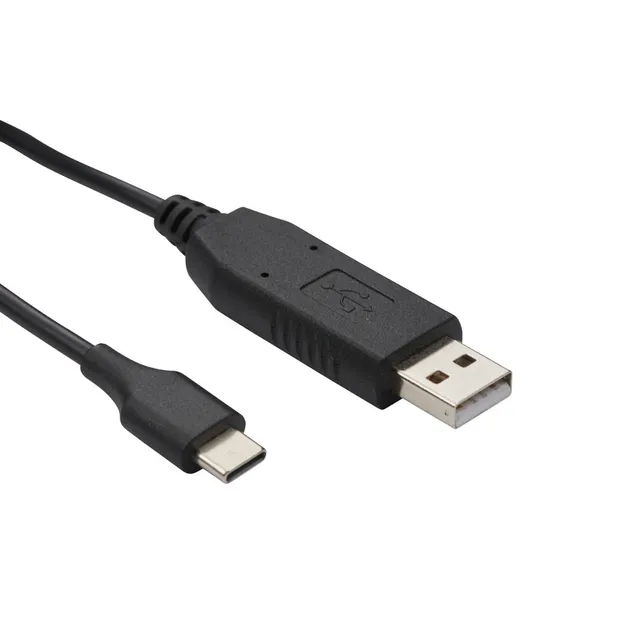
Cobra Radio Cloning Cable (USB-C to USB-C) for Performa 400 and 450
4.3 (4)
$15.95$10.00
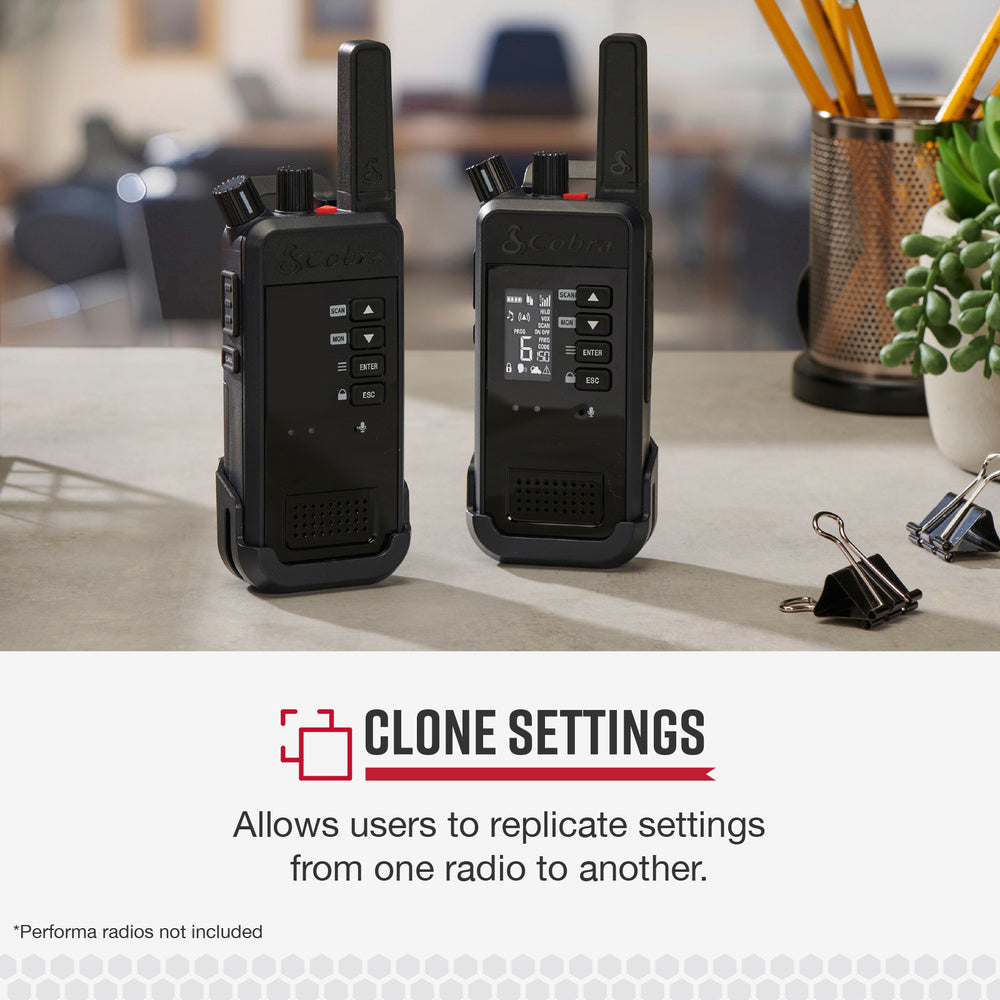
Easily clone settings between Cobra Performa 400/450 radios with the USB-C to USB-C cloning cable for only $10.00 (37% off) – buy online for quick deployment and field programming.
In Stock
Compatibility
Compatibility
Works with Performa 400/450
-
1
+
Get it in 3–5 business days.
19 people are viewing this item.36 sold today.Only 10 left in stock.
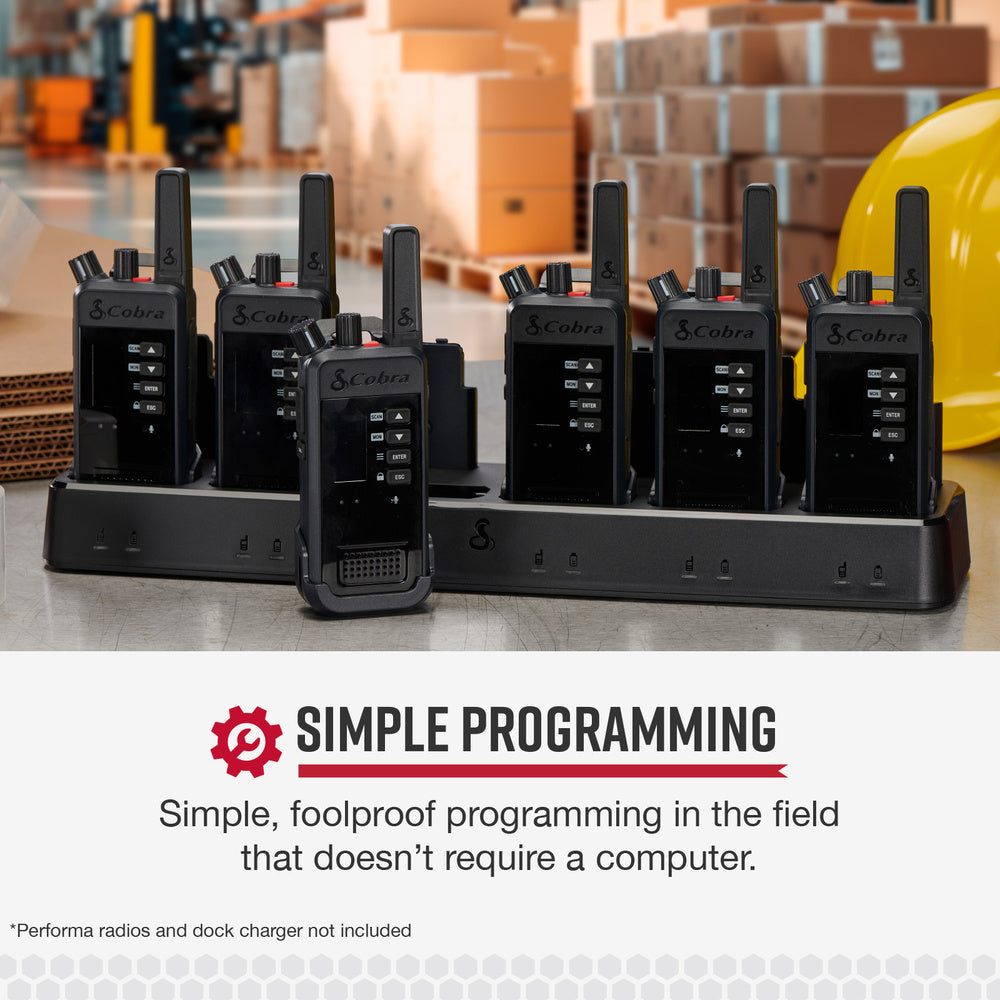
Simplify your radio setup with the Cobra USB-C to USB-C cloning cable, designed for Performa 400 and 450 radios. This cable lets you copy settings from one radio to another in seconds, without a computer. At $10.00 (compare at $15.95), it's a budget-friendly solution for teams needing quick radio configuration. Order now and save 37%!
Specifications
Brand: Cobra
Model: Cloning Cable (Item #0010080-1)
Product Type: Programming/Cloning Accessory
Connector: USB-C to USB-C
Compatibility: Performa 400, Performa 450
Key Features
Quickly replicate settings between two Performa radios
Enables rapid deployment with minimal training
Simple, foolproof field programming
No computer required
How to Clone
Connect the cable to both radios, select the source and target, and follow the on-screen prompts. The entire process takes only a few minutes.
Why Buy This Cable?
If you manage multiple Performa radios, this cable saves time and eliminates manual programming errors. At just $10.00, it's a must-have accessory. Take advantage of this sale today!
Features
One-touch cloning copies all settings between Performa radios in seconds.
No computer required – ideal for field programming and rapid deployment.
Sale price of $10.00 – save 37% off the $15.95 original price, plus coupon SAVE15 for extra savings.
Model: Cloning Cable (0010080-1)
Product Type: Programming Cable
Compatibility: Performa 400, Performa 450
Connector Type: USB-C to USB-C
Computer Required: No
Seller: ChargeWise Systems
MPN: Cloning Cable (0010080-1)
Product Details
Streamline Your Radio Deployment
With the Cobra USB-C cloning cable, you can quickly program multiple radios with identical settings, ensuring your team is ready to go in no time.
Easy to Use
No technical skills required – just plug and clone. Save hours of manual programming.
Affordable Price
At only $10.00, this cable is a small investment that pays off in efficiency. Use coupon code SAVE15 for an extra 15% off. Free shipping on orders over $45.
Frequently Asked Questions
How do you clone a Cobra Performa 450 radio with the USB-C cloning cable?
Connect the cable to both Performa 450 radios, power them on, and follow the display prompts to choose 'clone' and select the source and target. The settings will be copied within minutes.
How do I clone settings on Cobra Performa 400 radios?
The process is the same as with Performa 450: plug the cable into both radios, turn them on, and follow the on-screen instructions to copy settings from one to the other.
Does the Cobra USB-C cloning cable work with a computer?
No, this cable is designed for direct radio-to-radio cloning and does not require a computer. It simplifies field programming without the need for extra software.
How do I troubleshoot a failed Cobra Performa radio clone?
Ensure both radios have charged batteries, the cable is fully inserted, and that you're using compatible models. If issues persist, reset both radios and try again. Contact Cobra support for further assistance.
4.3★★★★★★★★★★(4)
5 ★2
4 ★1
3 ★1
2 ★0
1 ★0
Customer Reviews
4
★★★★★★★★★★5.0
p*****i
Verified
Made cloning easy
This cable worked flawlessly with my Performa 400s. Connected them, launched the software, and had all my settings copied in minutes. Saves so much time. Great buy.
★★★★★★★★★★4.0
g**x
Verified
Works, but a bit short
The cable does its job, but it's only about a foot long, so the two radios need to be close together. That's fine for cloning, though. The build quality seems okay.
★★★★★★★★★★5.0
f*g
Verified
Must have
Essential for anyone with multiple Performa radios.
★★★★★★★★★★3.0
q*****r
Verified
It works, but no instructions
The cable connects, but there were no instructions included. I had to search online to figure out the cloning software. Once I did, it worked fine. Just a heads-up for beginners.