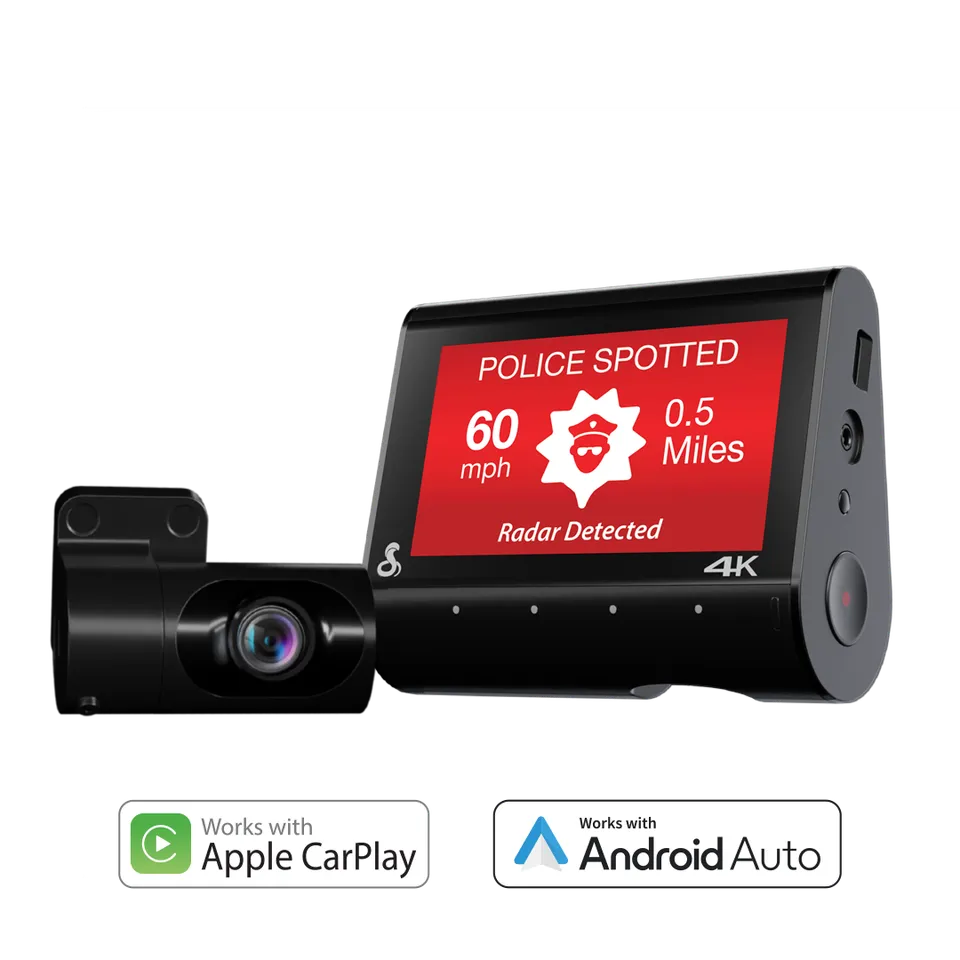
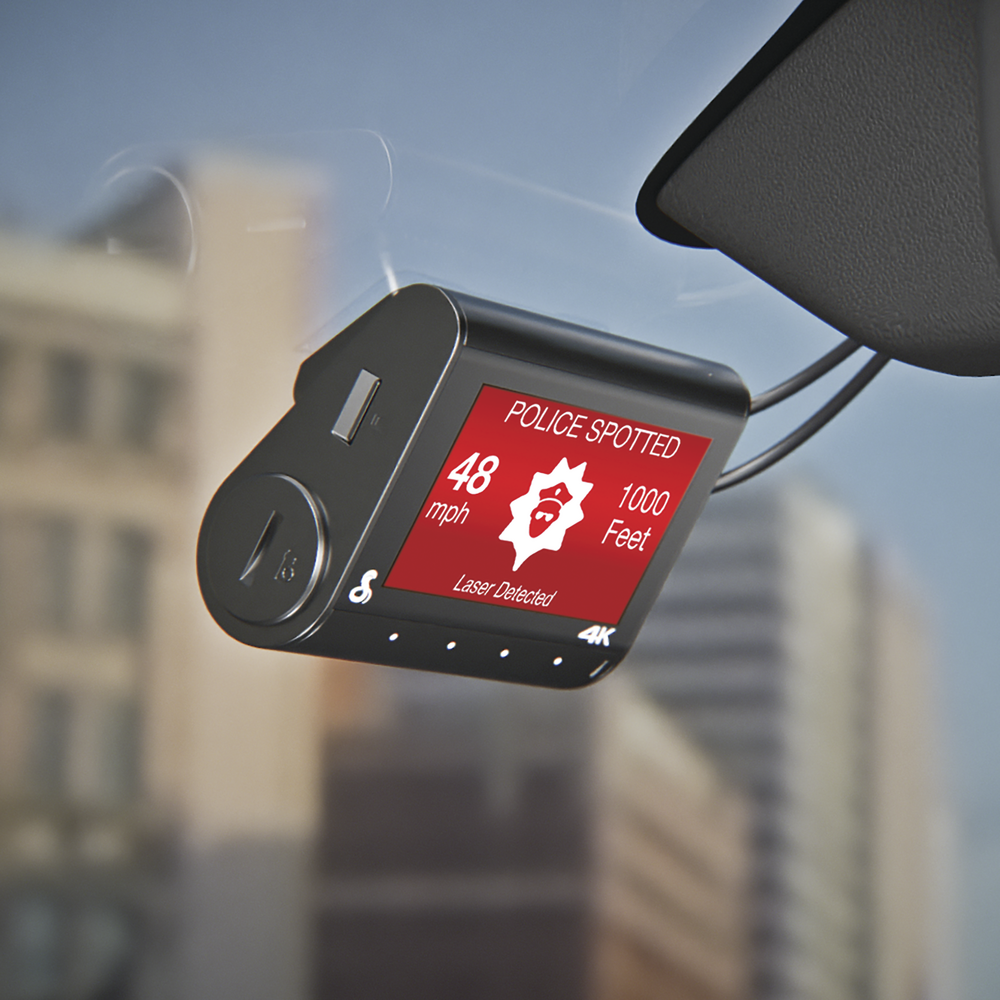
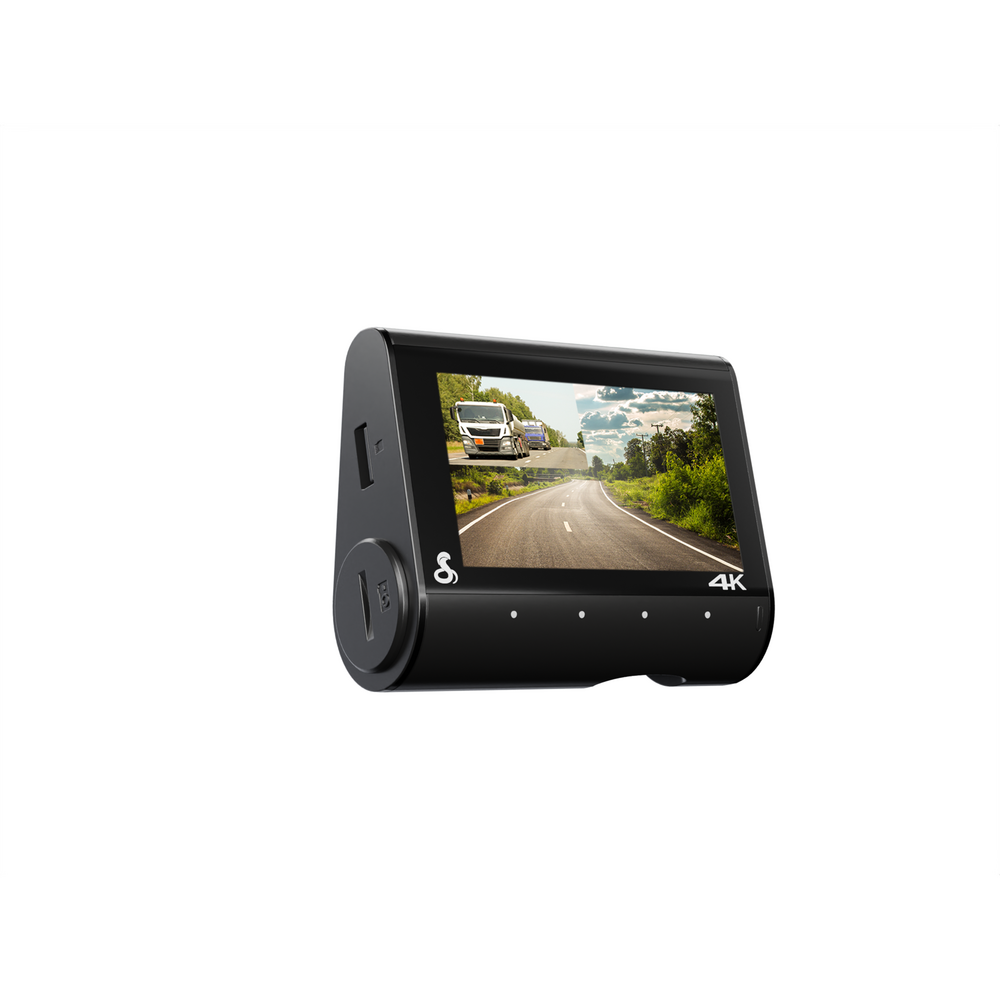
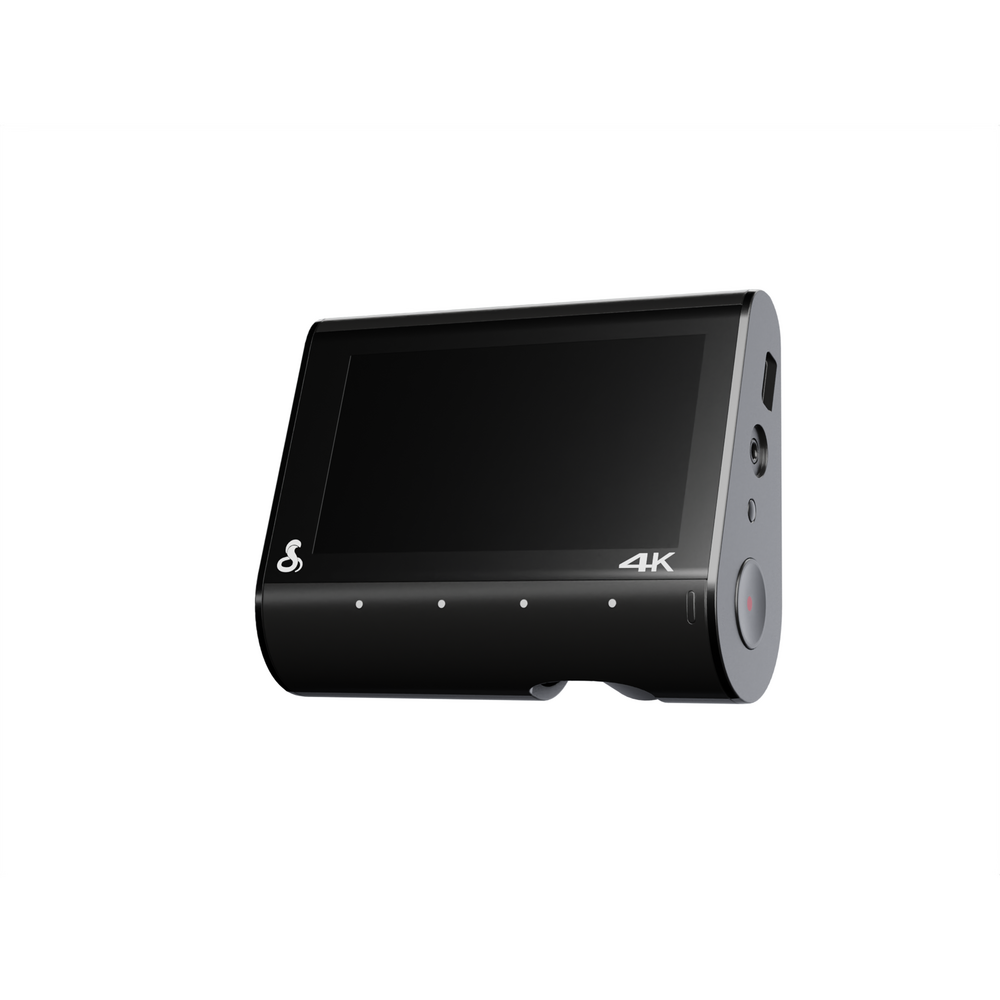
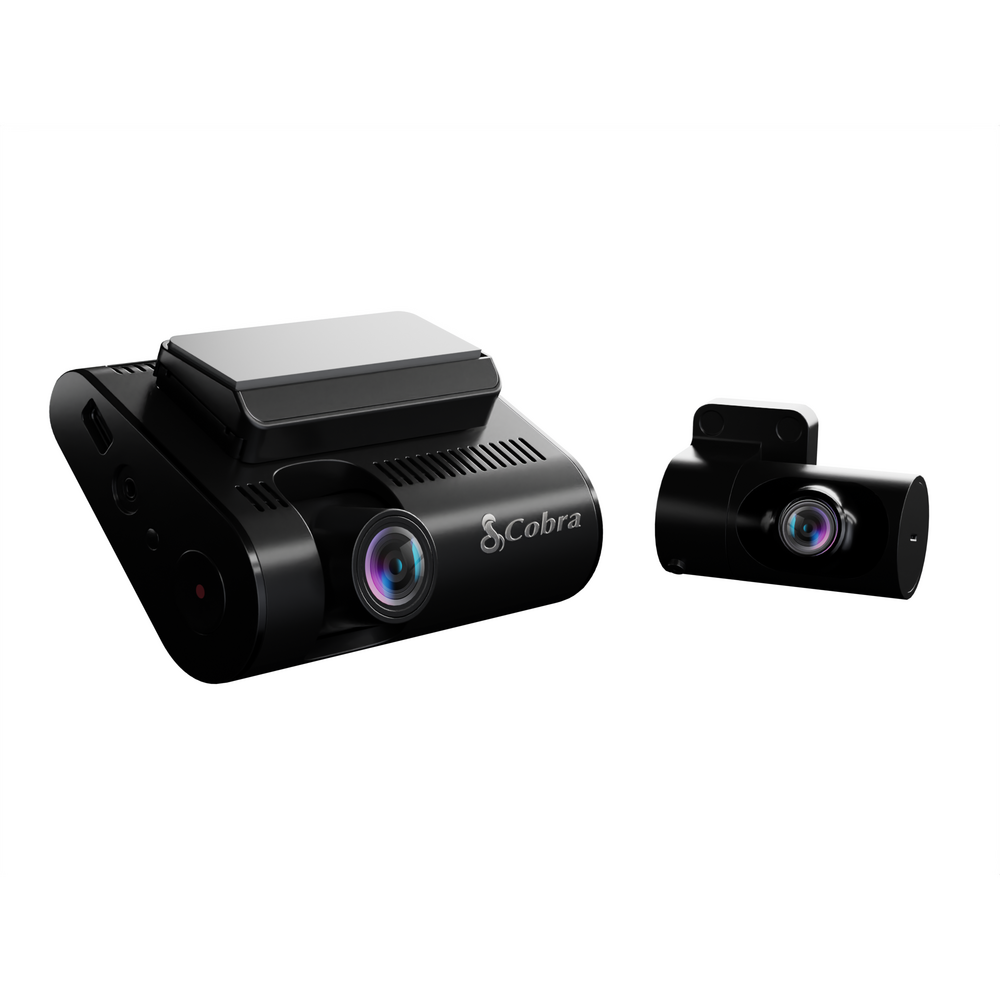
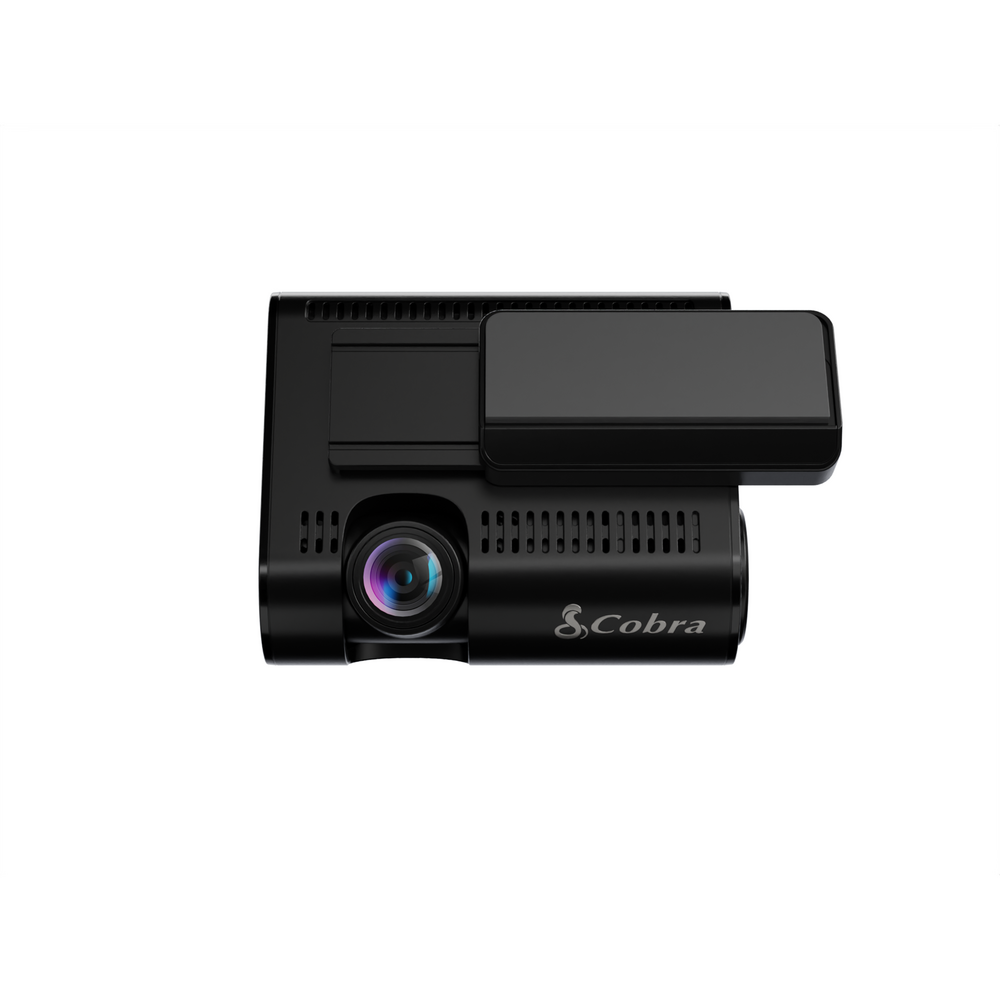
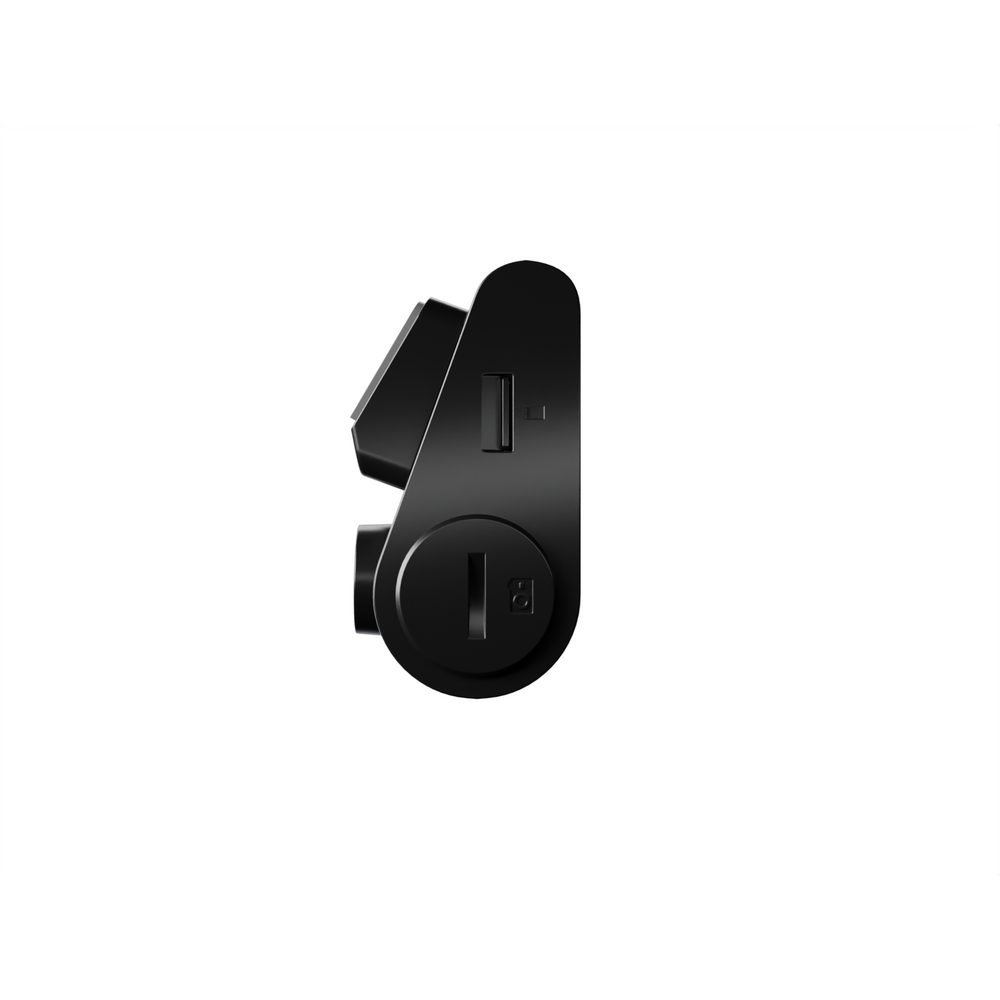
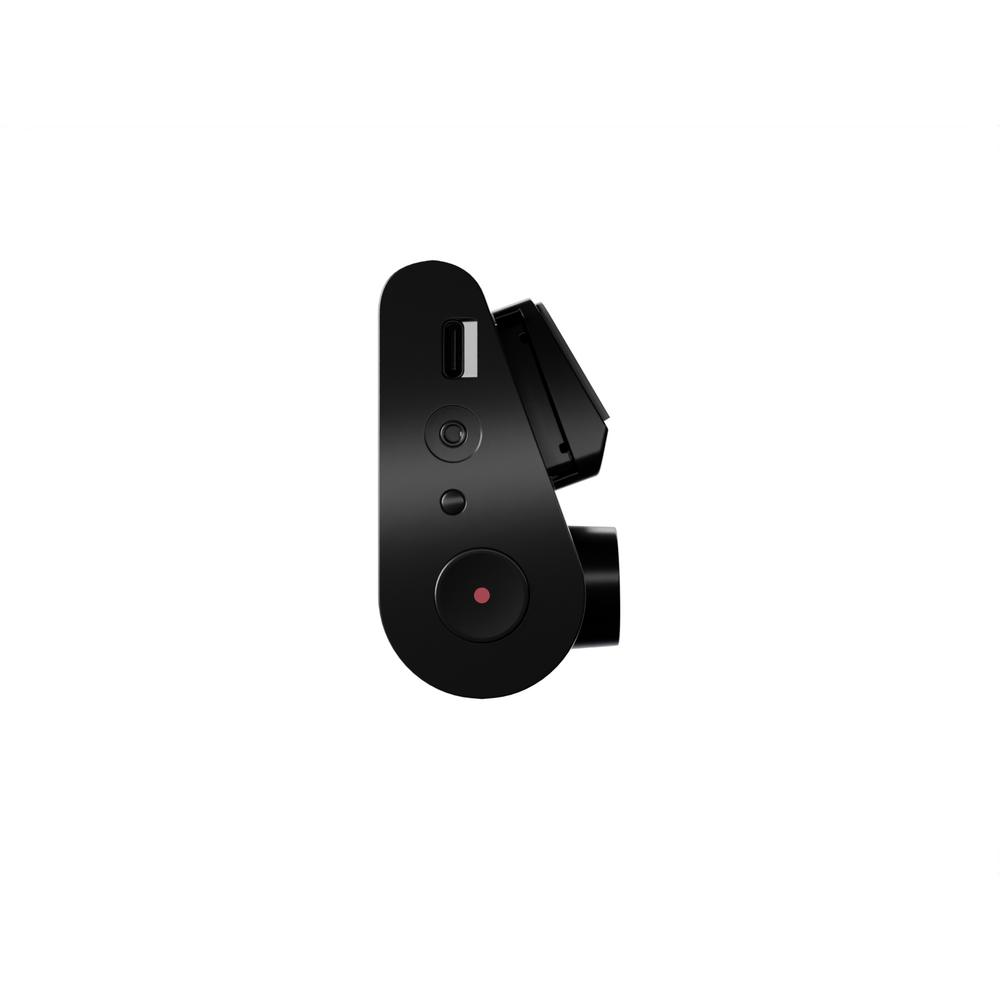
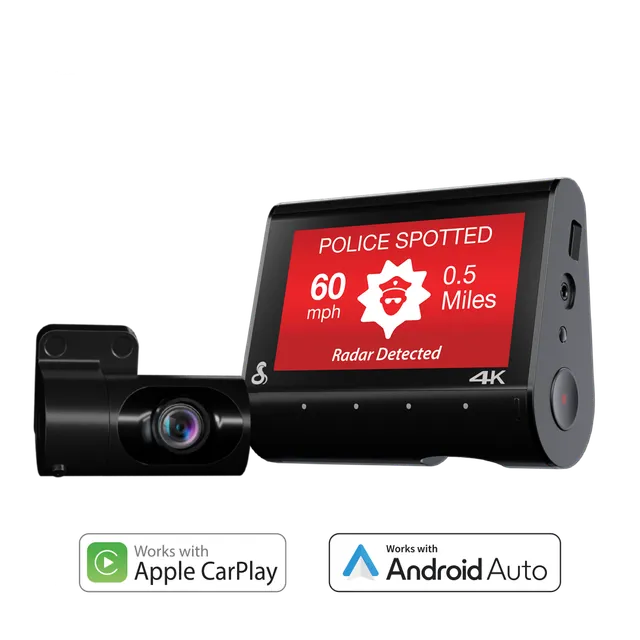
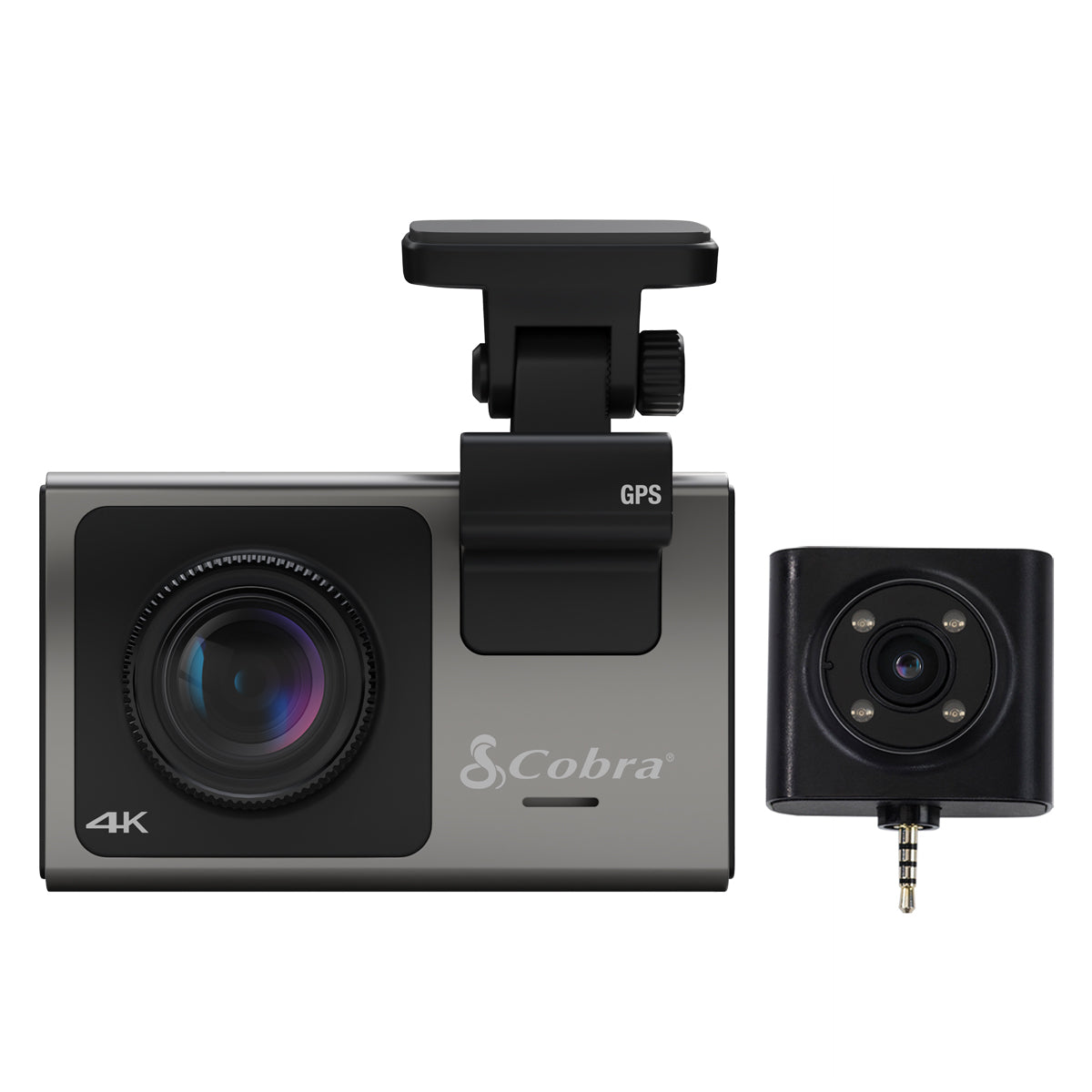
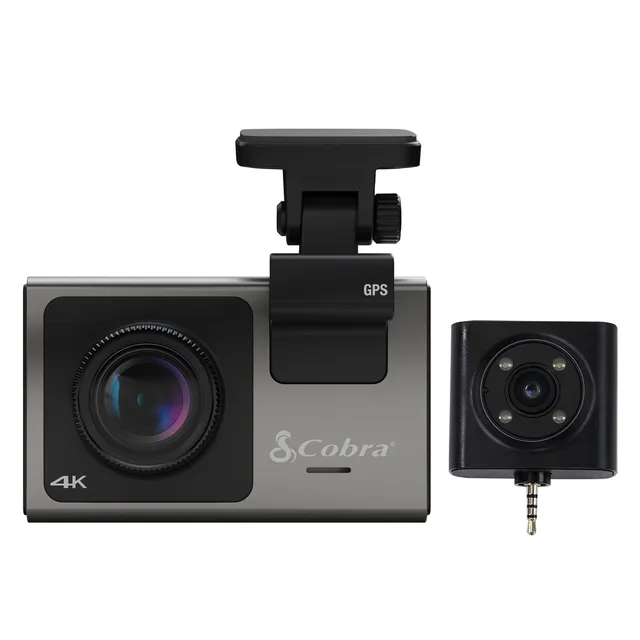
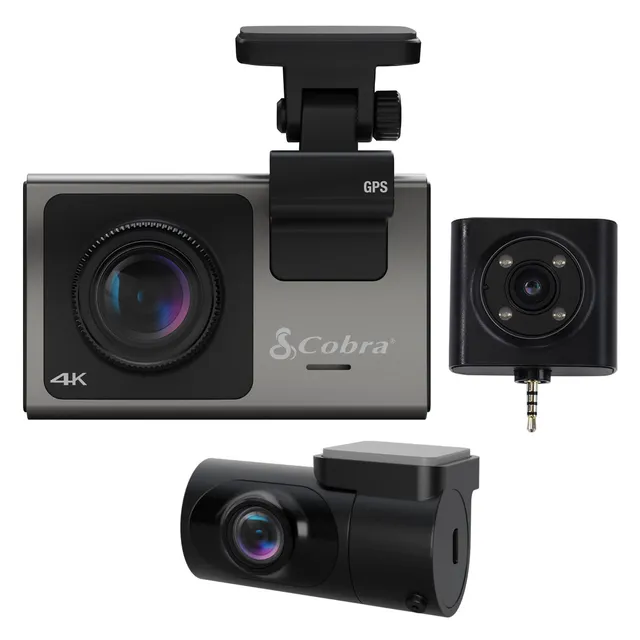
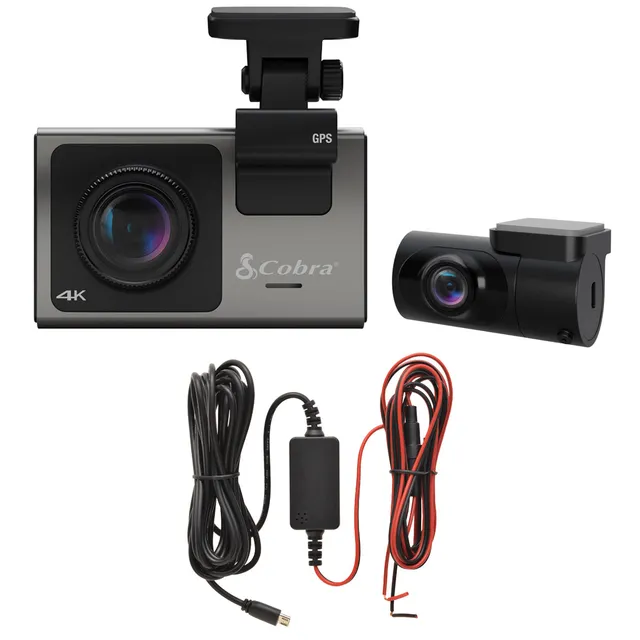
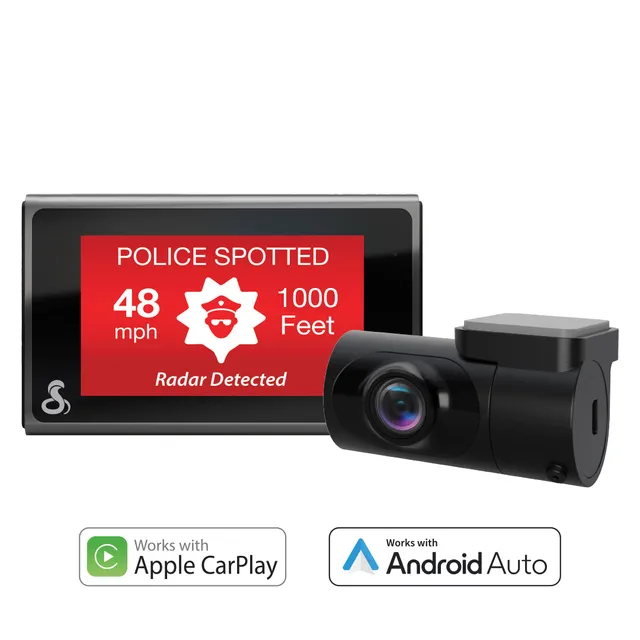
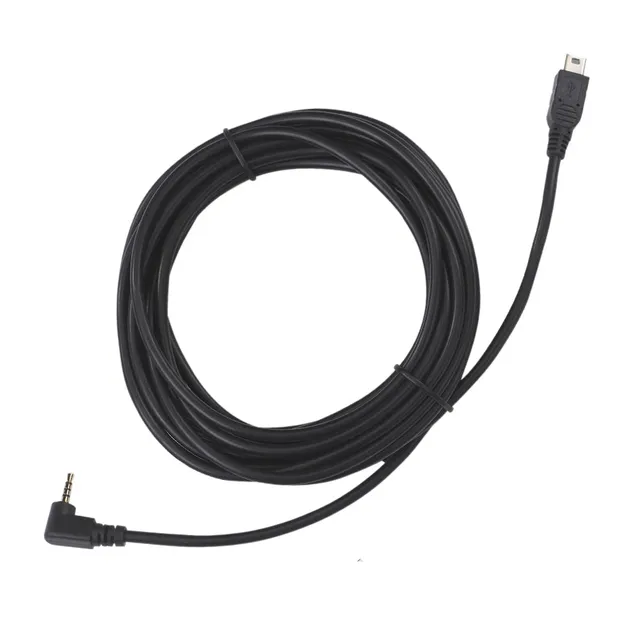
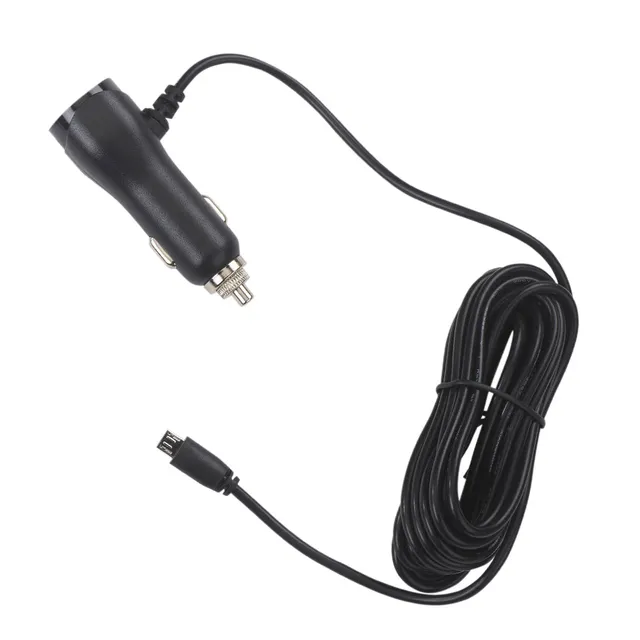
Drive with confidence using the Cobra SC 250R. Capture true 4K video, receive 360 Alerts for speed cameras and red lights, and enjoy Parking Live View. Includes SD card, GPS, Bluetooth, and cloud video management. Priced at $84.98—a 58% discount from $199.95.
Key Features
True 4K front camera
360 Alerts for safety
Parking Live View (requires hardwire kit)
Built-in GPS and Bluetooth
SD card included
Cloud video management
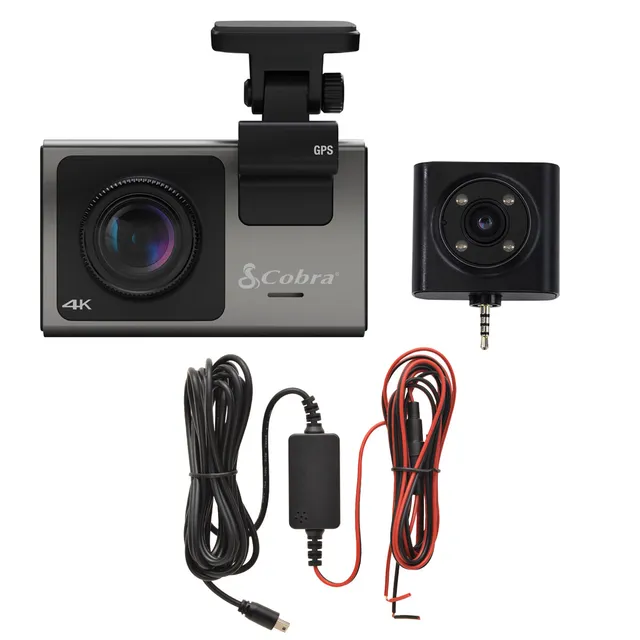
What's in the Box
SC 250R dash cam
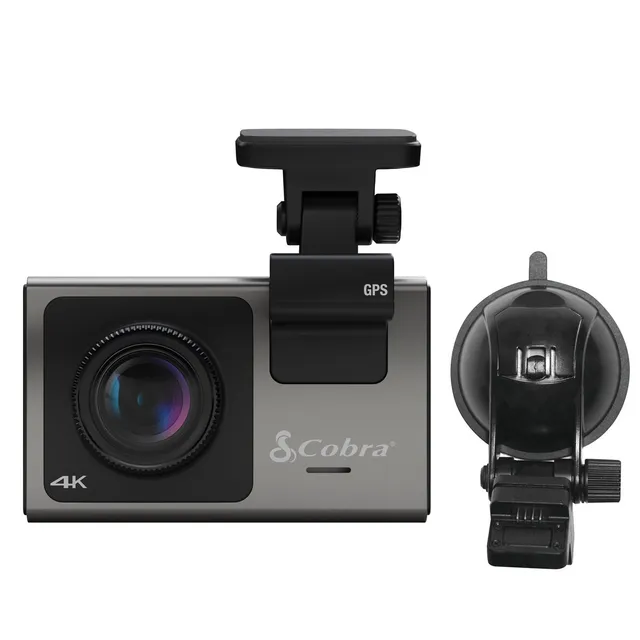
Power adapter and mounting bracket
SD card
Documentation
Features
True 4K ultra HD video captures crisp details for evidence and peace of mind.
360 Alerts and Parking Live View provide comprehensive safety and security.
Massive 58% discount—$84.98 instead of $199.95—plus extra 15% off with code SAVE15.
Model: SC 250R
Includes: SD card, mount, power adapter
Connectivity: Built-in GPS, Bluetooth, Wi-Fi
Product Type: Dash Cam
Video Resolution: 4K
Camera Capability: 3 cameras capable (front, rear, interior)
Cloud Video Management: Yes
Seller: ChargeWise Systems
MPN: SC 250R
Product Details
Premium Protection at a Steal
Get top-tier 4K dash cam features for less than half price. With 360 Alerts and cloud access, you'll never miss a moment. Act fast—deal ends soon.
Frequently Asked Questions
How to set up the Cobra SC 250R dash cam with rear view camera?
Mount the rear camera (sold separately) to your rear windshield. Run the cable to the front unit and connect. In the Cobra app, select 'Add Camera' and follow on-screen instructions to pair. Ensure both lenses are clean and positioned correctly.
Does the Cobra SC 250R support parking mode with hardwire kit?
Yes, it supports parking mode when connected to a constant power source using the Cobra Easy Hardwire Kit (sold separately). This enables motion detection and Parking Live View with cloud access.
Why is my Cobra SC 250R app not connecting to phone?
Ensure Bluetooth and Wi-Fi are enabled on your phone. Open the Cobra app and follow the pairing prompt. Try resetting the dashcam's Wi-Fi by pressing the reset button. Check if the dashcam firmware is updated.
How to set up Cobra SC 250R cloud video?
Download the Cobra app, create an account, and connect the dashcam to your home Wi-Fi. In the app, enable cloud video management. The dashcam will upload selected clips to the cloud. Note: cloud subscription may be required.
Where can I buy this dash cam at the best price?
This storefront offers it for $84.98—58% off the original $199.95. Use code SAVE15 for an extra 15% off. Free shipping on orders over $45.
4.2★★★★★★★★★★(5)
5 ★2
4 ★2
3 ★1
2 ★0
1 ★0
Customer Reviews
5
★★★★★★★★★★5.0
o***g
Best dashcam I've owned
The 4K video is crystal clear, and the 360 alerts are super accurate. I especially love the parking live view – I can check my car from my phone anytime. Totally worth the money.
★★★★★★★★★★4.0
w***t
Great features, but app can be buggy
The camera itself is top-notch. Video quality is excellent, and the alerts work well. However, the app sometimes crashes when I try to view live footage. I hope they fix it soon.
★★★★★★★★★★5.0
j*t
Worth every penny
I've had other dashcams before, but this one is a step above. The app is intuitive, the video is sharp, and the parking mode gives me peace of mind. It's a bit pricey, but it's an investment.
★★★★★★★★★★3.0
o*g
Verified
Good camera, but battery life is poor
The video quality is great, and the features are nice. But the battery drains quickly in parking mode, even with the hardwire kit. I have to drive regularly to keep it charged. Not ideal.
★★★★★★★★★★4.0
n*****k
Verified
Solid performance
I've had this for a month. The 4K video is excellent, and the alerts are accurate. The only issue is the initial setup was a bit complicated, but once it was set up, it's been smooth. Good product.