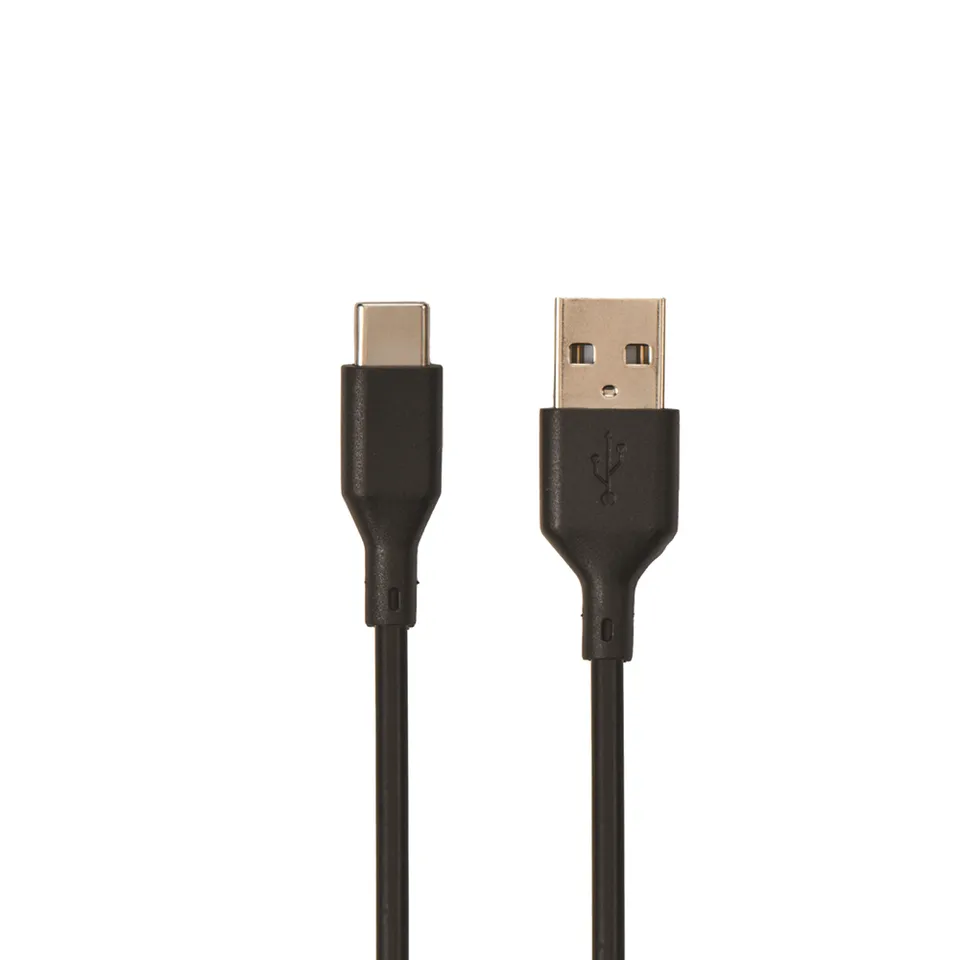
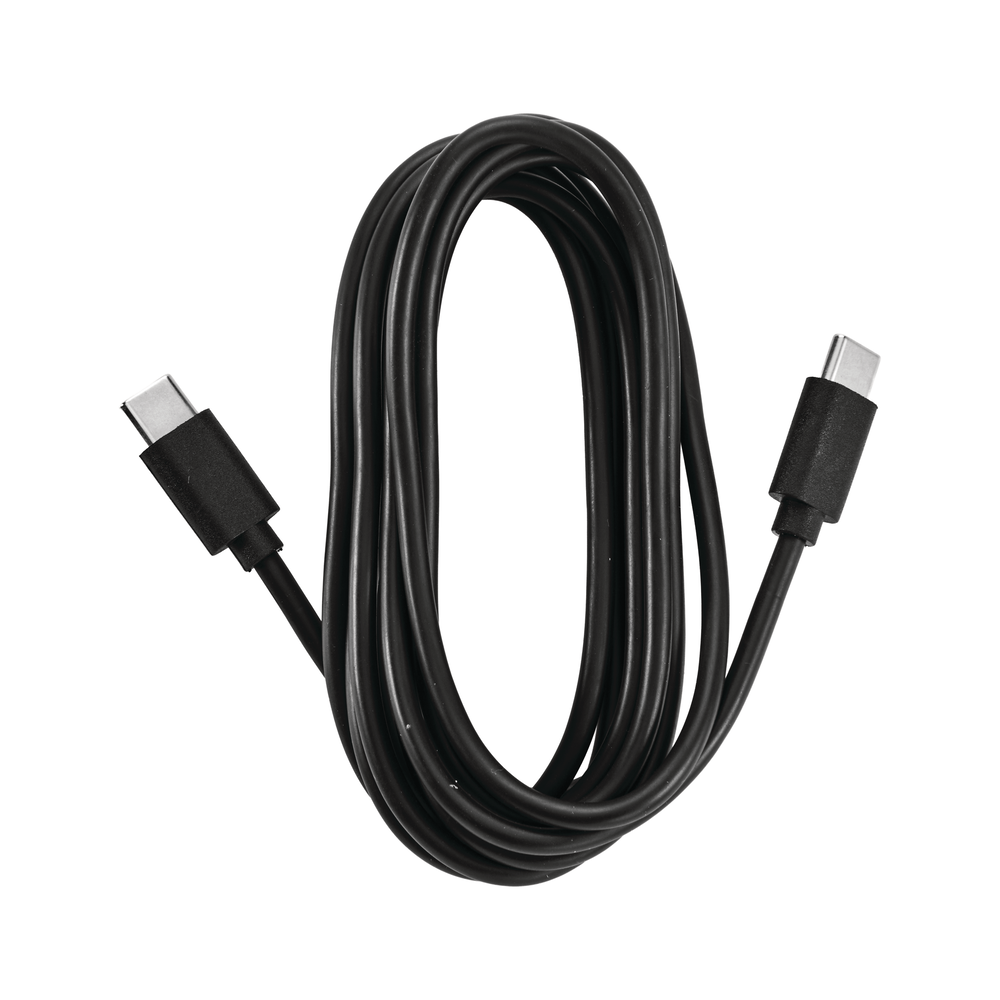
Cobra USB-A to USB-C Data Cable for Select Dashcams (Item 71112-001)
4.0 (5)
$4.95
Buy the genuine Cobra USB-A to USB-C data cable to connect your SC 120, SC 220C, or SC 250R dashcam to your computer for firmware updates and video transfers at the low price of $4.95.
In Stock
-
1
+
Get it in 3–5 business days.
13 people are viewing this item.37 sold today.Only 11 left in stock.
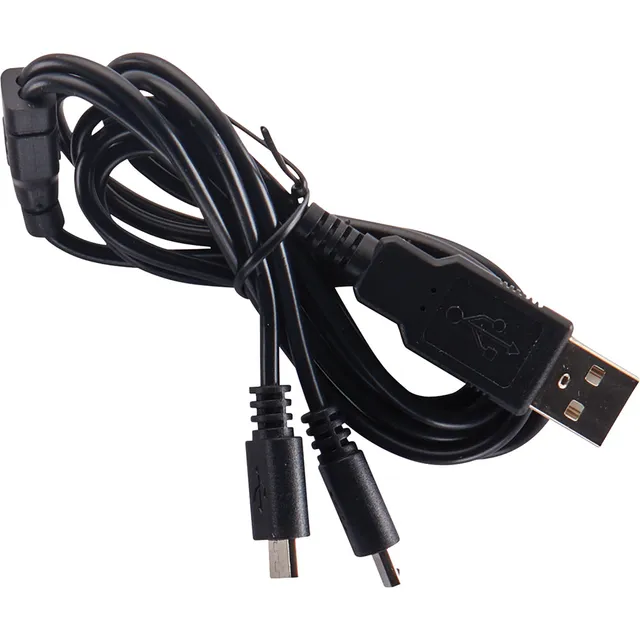
This genuine Cobra data cable lets you connect your compatible Cobra dashcam to any computer with a standard USB-A port. Use it to update firmware, transfer videos, or troubleshoot connection issues. Designed for SC 120, SC 220C, and SC 250R dashcams. At just $4.95, it's an affordable accessory that keeps your dashcam performing.
Compatibility
Cobra SC 120
Cobra SC 220C
Cobra SC 250R
Why Choose This Product?
Using a non-certified cable may cause connection problems. This original Cobra cable ensures reliable data transfer and proper firmware updates, saving you from costly repairs. Grab this deal today.
Features
Genuine Cobra cable ensures reliable data transfer and firmware updates for SC 120, SC 220C, and SC 250R dashcams.
Affordable $4.95 price saves you money while preventing connection issues from off-brand cables.
Simple USB-A to USB-C design works with any standard computer port for easy dashcam management.
Color: Black
Model: 71112-001
Cable Length: Not specified
Product Type: Data Cable
Connector Type: USB Type A to USB-C
Compatible Models: SC 120, SC 220C, SC 250R
Seller: ChargeWise Systems
MPN: 71112-001
Product Details
Keep Your Cobra Dashcam Connected
This genuine cable is essential for firmware updates and video transfers. Don't risk using a random cable—ensure compatibility and reliability. At $4.95, it's a smart investment. Order now.
Frequently Asked Questions
Why won't my computer recognize my Cobra SC dash cam with this USB cable?
Ensure the cable is fully inserted into both the dashcam and computer. Try a different USB port. If using a USB hub, connect directly. Also, verify your dashcam is in PC mode or powered on. This genuine Cobra cable ensures compatibility, so if issues persist, check your computer's drivers.
Can I use any USB-C cable to update my Cobra SC 250R firmware?
We recommend using the genuine Cobra cable to avoid data transfer issues. Non-certified cables may not support data or may cause errors during firmware updates. This cable is specifically designed for your dashcam.
How do I transfer videos from my Cobra SC dash cam to a computer?
Connect the dashcam to your computer using this USB-A to USB-C cable. Power on the dashcam and select 'Mass Storage' or 'PC' mode on the device. Then, browse to the DCIM folder to copy videos.
Where can I buy this Cobra data cable at the best price?
Buy directly from this storefront at $4.95. Use coupon code SAVE15 for an extra 15% off. Free shipping on orders over $45.00.
4.0★★★★★★★★★★(5)
5 ★2
4 ★2
3 ★0
2 ★1
1 ★0
Customer Reviews
5
★★★★★★★★★★5.0
v****u
Verified
Works great for data transfer
This cable is just what I needed to update my SC 220C firmware. No issues with connectivity, and the transfer speed is fine for videos. Good quality.
★★★★★★★★★★4.0
u*g
Verified
Good cable, but short
It does the job, but it's only 3 feet long, which is a bit short if your computer is far from your dashcam. I'd prefer a longer cable, but it's functional and reliable.
★★★★★★★★★★5.0
f*****d
Verified
Perfect for my SC 250R
Finally a cable that actually works for data, not just charging. I used it to pull footage from my SC 250R and it worked flawlessly. Highly recommend for anyone with a Cobra dashcam.
★★★★★★★★★★2.0
t****s
Verified
Stopped working after a week
The cable worked initially, but after a few uses, it stopped connecting to my computer. I tried everything but it's dead. Not happy with the quality. Returned it.
★★★★★★★★★★4.0
s***j
Does what it says
No complaints. It's a genuine cable that works. It feels a bit flimsy, but I haven't had any issues so far. Good price for the peace of mind.