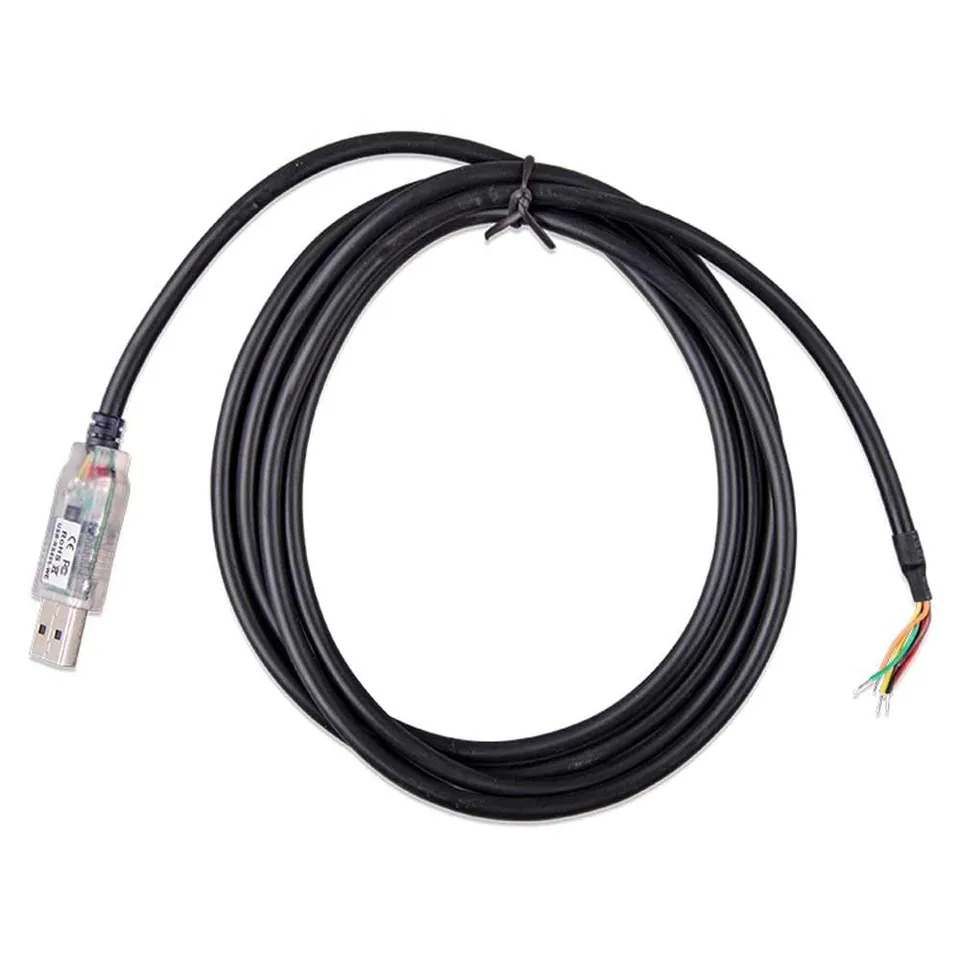
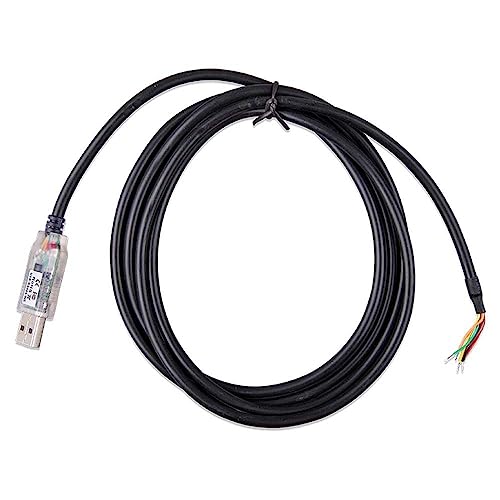
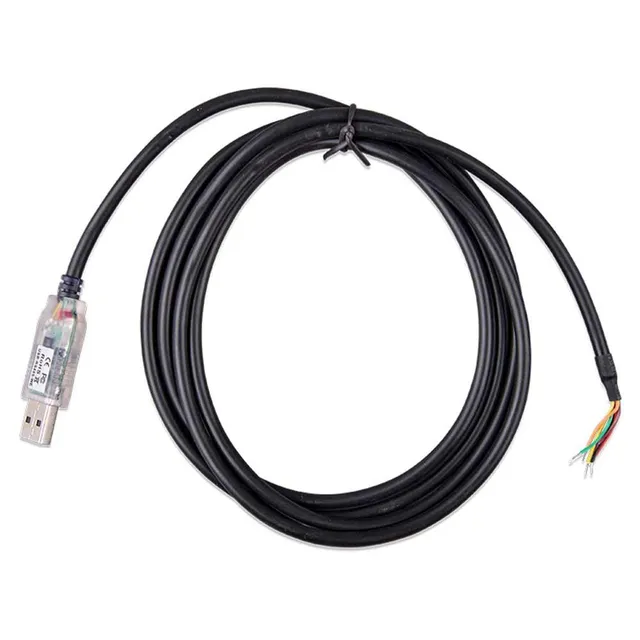
Victron Energy RS485 to USB Interface (1.8m/5.9ft) for Battery Monitoring
4.3 (6)
$61.00$30.50
Original Victron RS485 to USB interface (1.8m) for connecting third-party BMS to Cerbo GX – now $30.50 (half off), plug-and-play setup for seamless battery monitoring.
In Stock
-
1
+
Get it in 3–5 business days.
15 people are viewing this item.30 sold today.Only 8 left in stock.
Connect your third-party BMS (e.g., Pylontech, JK BMS) to your Victron Cerbo GX with the original Victron Energy RS485 to USB Interface, now at a 50% discount. This 1.8-meter cable enables direct communication between RS485-based batteries and your Victron system, giving you full monitoring and control through the Cerbo GX. Priced at $30.50 (compare $61.00), it's an affordable solution for advanced battery management.
Specifications
Brand: Victron Energy
Product Type: RS485 to USB Adapter/Interface Cable
Length: 1.8 meters (5.9 feet)
Connector: USB-A to RS485 (wired)
Compatibility: Victron Cerbo GX, Venus GX, and other devices with USB host port
Use Cases
This interface is essential for integrating third-party batteries with Victron systems. Connect a Pylontech battery via its RS485 port to the Cerbo GX for real-time SoC, voltage, and temperature data. It also works with JK BMS and other RS485-enabled BMS units.
Price Value and Purchasing
At $30.50, you save 50% off the regular price. Add coupon code SAVE15 for an extra 15% off, and free shipping on orders over $45. This is the perfect time to upgrade your system monitoring.
Features
Enables direct connection of third-party BMS (Pylontech, JK BMS) to Victron Cerbo GX.
Cable length 1.8m (5.9ft) for flexible installation.
Save 50% – only $30.50 (compare $61) plus extra 15% off with code SAVE15.
Length: 1.8 meters (5.9 feet)
Interface: USB 2.0 to RS485
Product Type: RS485 to USB Interface
Compatibility: Victron Cerbo GX, Venus GX, and other USB host devices
BMS Compatibility: Pylontech, JK BMS, and other RS485 BMS
Seller: ChargeWise Systems
Product Details
Seamless Battery Integration
Integrating a third-party BMS with your Victron system has never been easier. With the RS485 to USB interface, you can monitor battery state of charge, health, and alarms directly on your Cerbo GX display or VRM portal. This enables smarter energy management and alerts.
Wiring Guide
Typical wiring: RS485 A to BMS A, B to BMS B, and GND to BMS GND. Always follow your BMS manual. For JK BMS, ensure correct baud rate (often 9600).
Order now at $30.50 – save 50% plus 15% off with code SAVE15. Free shipping over $45.
Frequently Asked Questions
How do I connect a third-party BMS to Victron Cerbo GX using the RS485 to USB interface?
Simply plug the USB end into a free USB port on your Cerbo GX and connect the RS485 wires to your BMS's RS485 communication port (A, B, GND). Then enable the corresponding device in VictronConnect or the Cerbo GX settings.
Can I connect a Pylontech battery to a Victron Cerbo GX with RS485 to USB?
Yes, the Victron RS485 to USB interface is commonly used to link Pylontech batteries to the Cerbo GX for full monitoring and integration.
What is the difference between Victron RS485 to USB and MK3-USB?
The RS485 to USB is for connecting RS485-based devices (like BMS) to a computer or GX device for data communication. The MK3-USB is for configuring Victron inverters/chargers and connecting to a computer via Ve.Bus. They serve different purposes.
What is the current price and any discounts?
It's on sale for $30.50, down from $61.00. Use coupon code SAVE15 for an extra 15% off. Free shipping on orders over $45.
4.3★★★★★★★★★★(6)
5 ★3
4 ★2
3 ★1
2 ★0
1 ★0
Customer Reviews
6
★★★★★★★★★★5.0
h***n
Verified
Works great with my BMS
Connected my JK BMS to the Cerbo GX, and it was plug-and-play. Now I can monitor everything remotely. Excellent quality.
★★★★★★★★★★4.0
r****a
Verified
Good cable
Solid construction, and it works. The only reason for 4 stars is that it's a bit pricey for a cable, but it's genuine Victron.
★★★★★★★★★★5.0
d*****z
Verified
Seamless integration
Set up my battery monitor in minutes. The cable is well shielded and works perfectly. Highly recommend for any Victron system.
★★★★★★★★★★3.0
c*****o
Fine but short
It's a good cable, but the length is a bit shorter than I hoped. It reaches my Cerbo, but just barely. Make sure your setup is close.
★★★★★★★★★★5.0
f*i
Verified
Solved my monitoring issue
I was having trouble getting my BMS data to show up. This interface fixed it instantly. Now I see all my battery stats. Great.
★★★★★★★★★★4.0
d*x
Works as expected
No issues with my setup. Connects easily to my laptop and the Cerbo. Just a standard interface, but it's reliable.