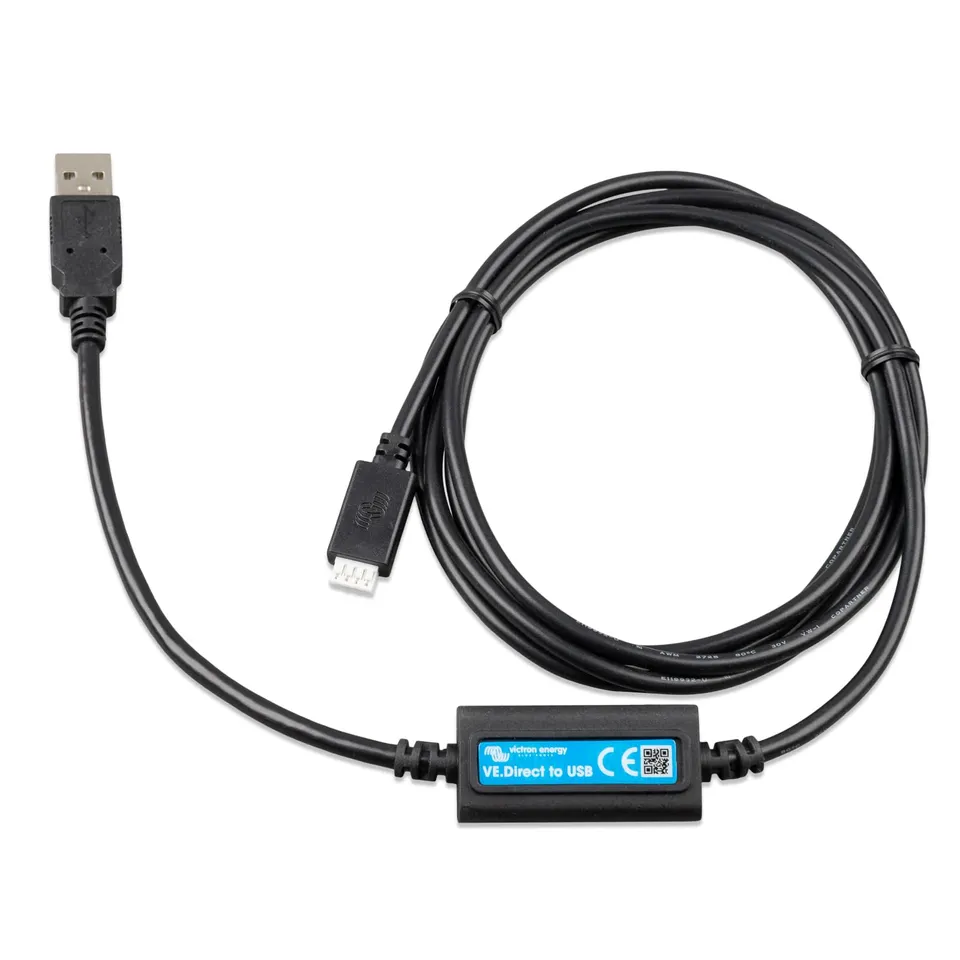
Victron Energy VE.Direct to USB Interface – USB Data Cable
4.7 (3)
$47.00$23.50
Buy the Victron VE.Direct to USB interface at a 50% discount – only $23.50 – to connect your Victron devices to a computer for monitoring and configuration.
In Stock
-
1
+
Get it in 3–5 business days.
16 people are viewing this item.37 sold today.Only 4 left in stock.
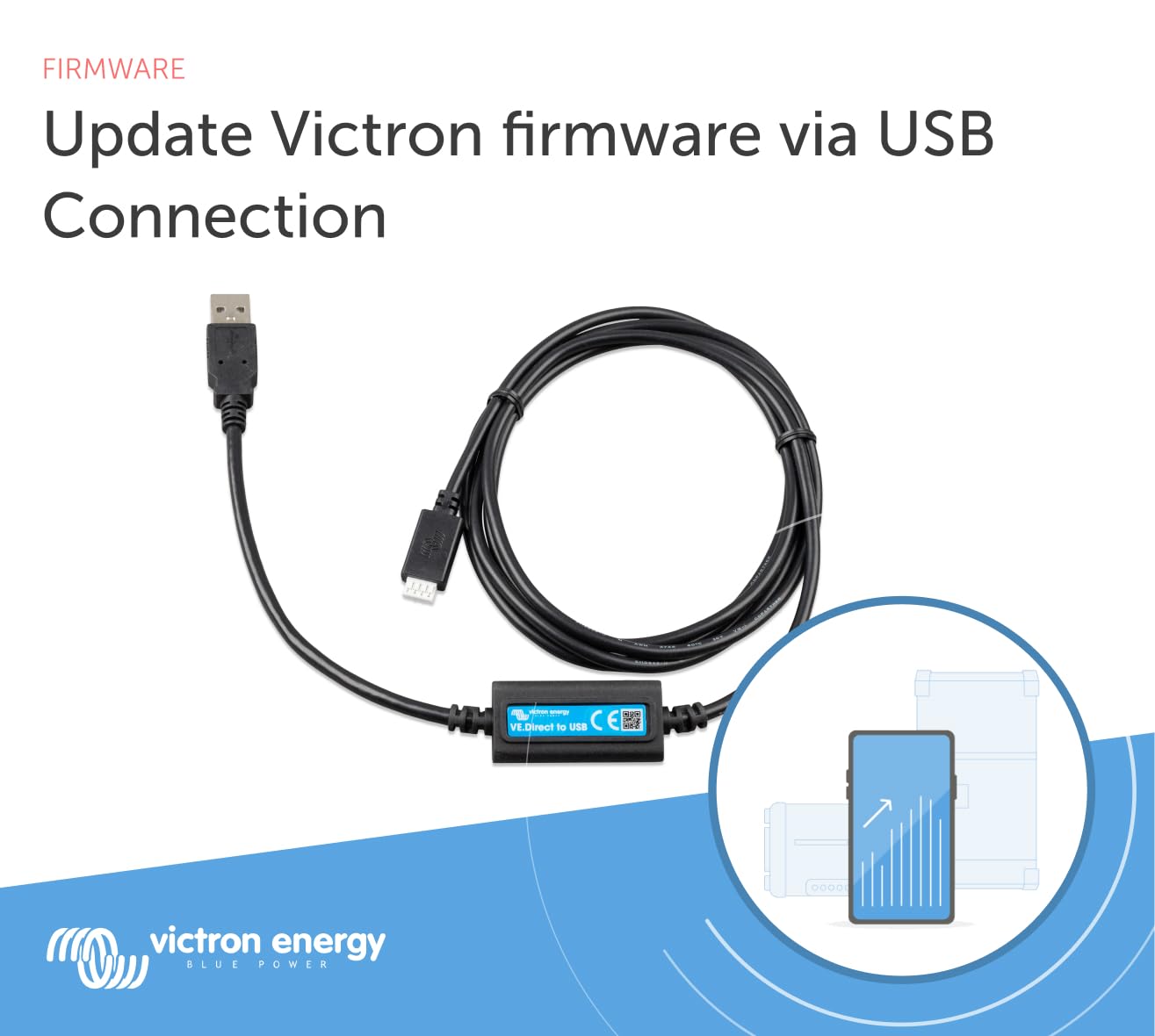
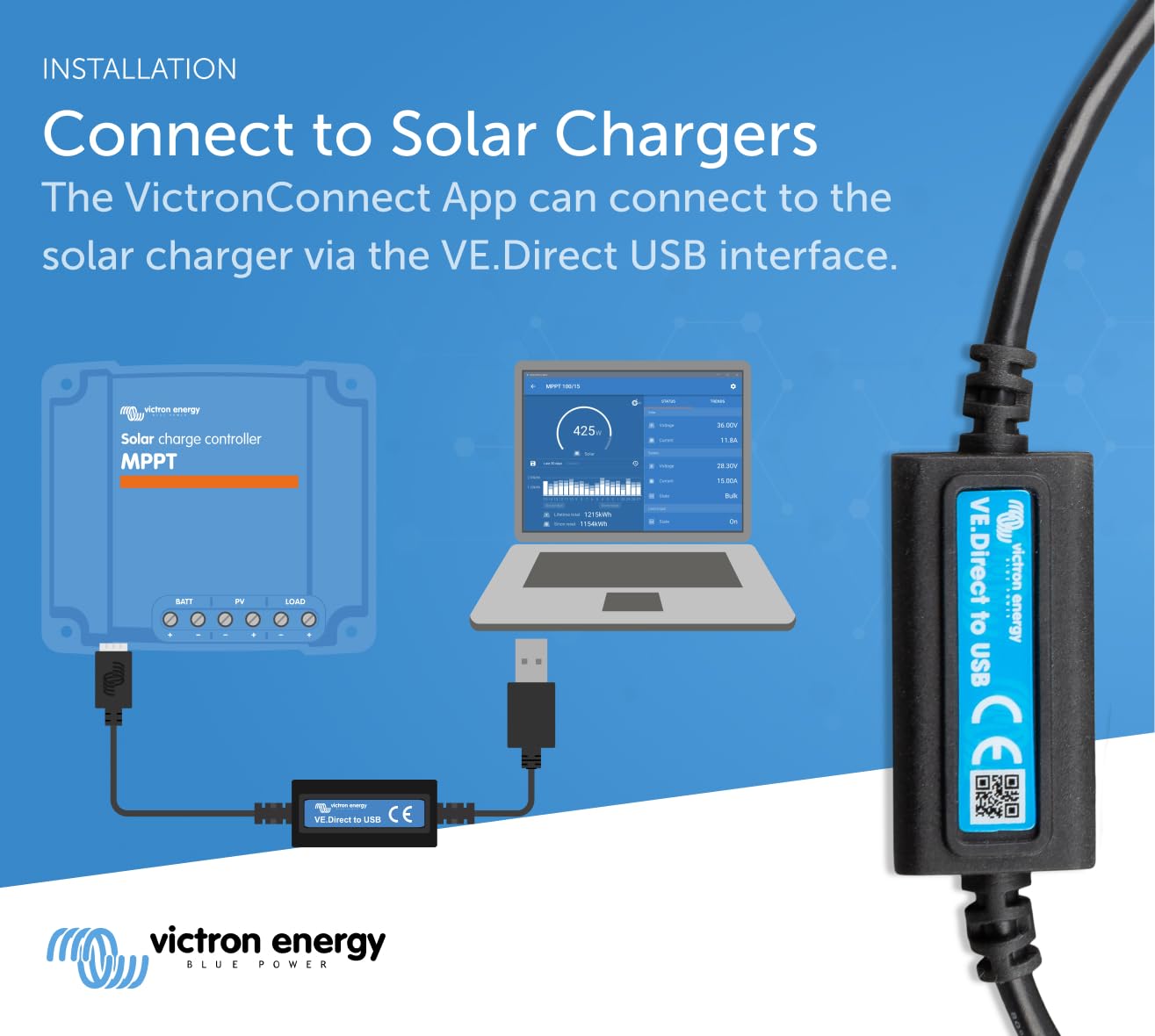
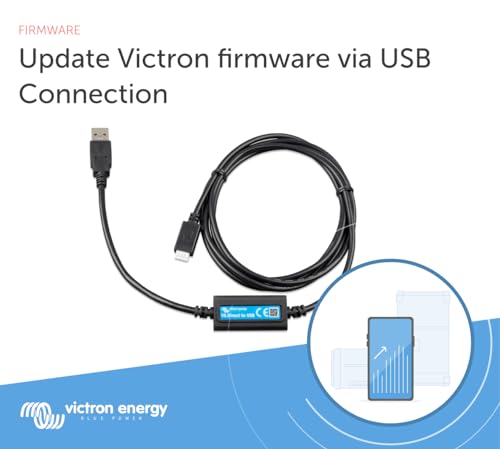
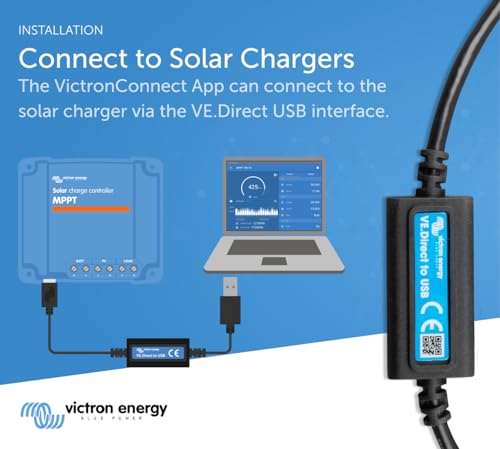
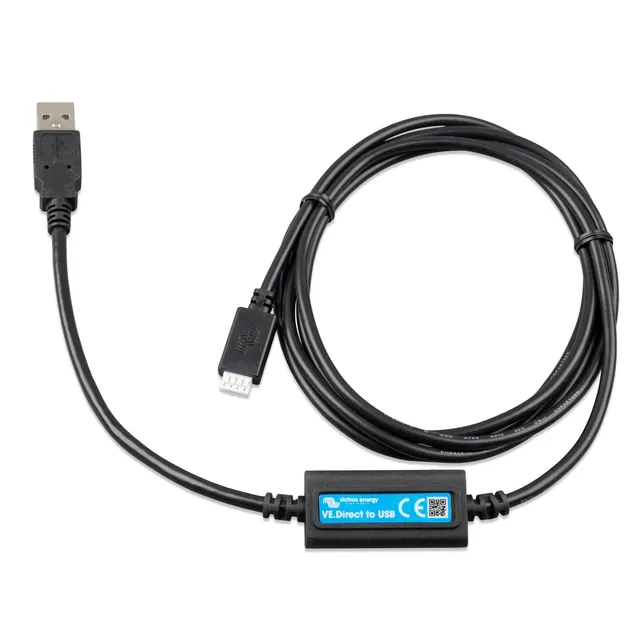
This cable connects VE.Direct-equipped Victron products (e.g., MPPT, BMV) to a USB port on your computer, allowing firmware updates and data monitoring via VictronConnect. It also enables connecting more than two VE.Direct devices to a GX system. Get it at $23.50 (regular $47.00).
Compatibility
Works with all VE.Direct products, including MPPT charge controllers, BMV monitors, and inverters with VE.Direct port. Also works with GX devices.
Troubleshooting
If not recognized on Mac, ensure the driver is installed (FTDI driver) and try a different USB port. For connection issues, check the cable and port.
Price & Value
Save 50% – only $23.50. Use coupon SAVE15 for an extra 15% off. Free shipping over $45.
Features
Universal connection: Pairs VE.Direct devices to any USB port.
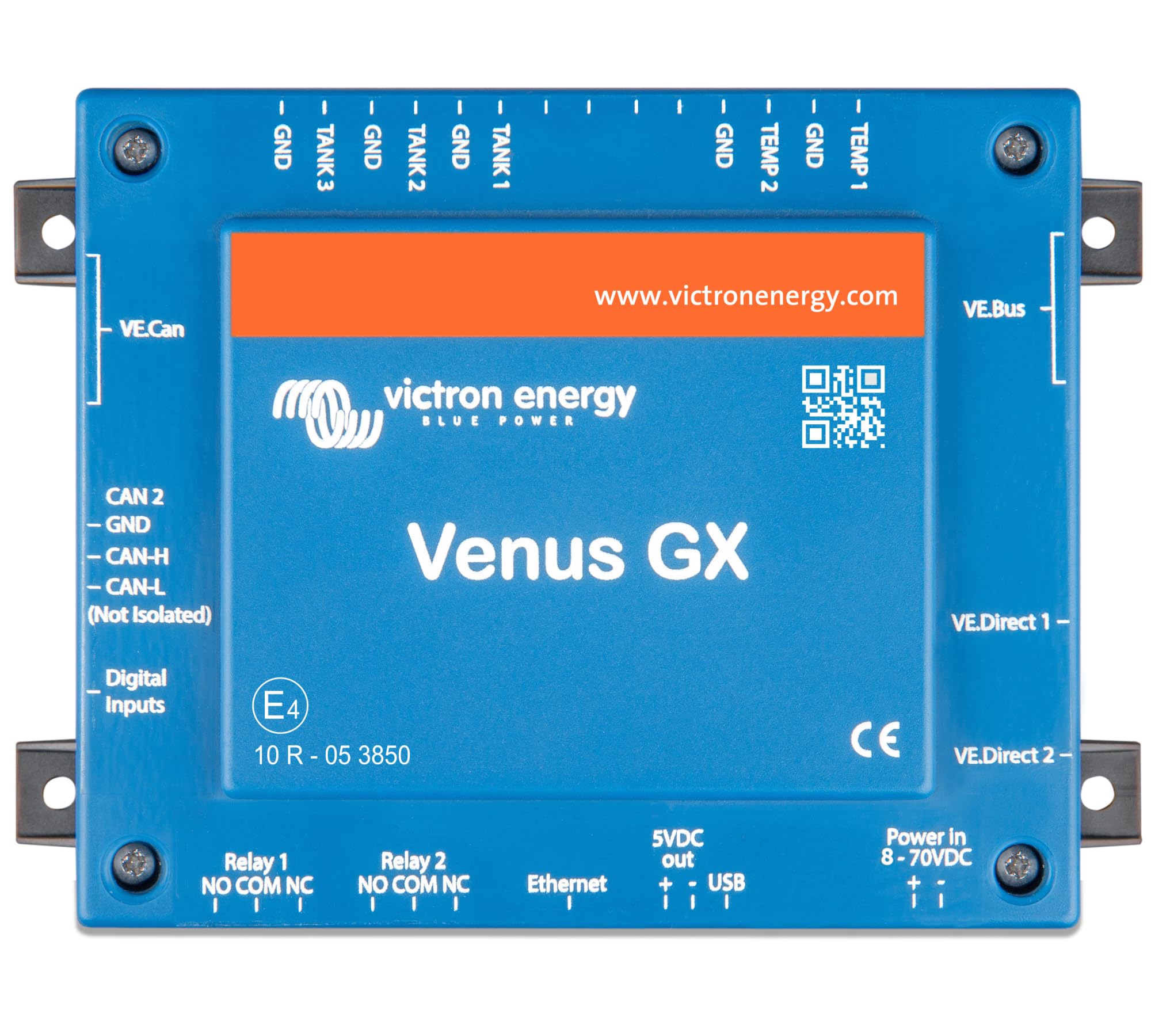
Multiple device support: Allows two or more VE.Direct products to one GX device.
Great price: 50% off at $23.50 – plus extra 15% off with SAVE15.
Model: VE.Direct to USB Interface
Weight: 0.89 lb
Warranty: 5 years
Interface: USB 2.0
Cable Length: Approx. 1.5 m
Product Type: Data Cable / Interface
Compatibility: Victron devices with VE.Direct port
Operating Systems: Windows, macOS, Linux
Seller: ChargeWise Systems
MPN: VE.Direct to USB Interface
Product Details
Connect Your Victron System to Your Computer
This essential cable is now on sale for $23.50 – a 50% savings. Use coupon SAVE15 for an extra 15% off. Perfect for firmware updates and data logging.
Compare with Alternative Interfaces
For Bluetooth monitoring, consider the VE.Direct Bluetooth Smart Dongle (also on sale). The USB interface is better for wired connections and firmware updates.
Frequently Asked Questions
Where can I buy the Victron VE.Direct to USB Interface?
You can buy it here at a 50% discount for $23.50 (regular $47). Use code SAVE15 at checkout for an additional 15% off.
How do I fix my VE.Direct USB interface not recognized on Mac?
Make sure you have installed the necessary drivers (FTDI VCP driver). If it still isn't recognized, try a different USB port or cable. Restart your Mac and reconnect.
How many VE.Direct devices can I connect to a Cerbo GX?
The VE.Direct to USB interface allows you to connect multiple VE.Direct devices to a GX device by using multiple interfaces or an expansion hub. Up to 10+ devices can be connected on Cerbo GX with additional USB hubs.
What is the difference between VE.Direct to USB and VE.Direct to USB-C?
The difference is the connector on the host side: one uses USB-A, the other uses USB-C. Both provide the same functionality. If your computer has USB-C, choose that version.
Why is my VE.Direct USB adapter not working?
Check if the cable is firmly inserted into both the device and the computer. Ensure the device is powered. Try a different USB port. Update the driver and VictronConnect software.
4.7★★★★★★★★★★(3)
5 ★2
4 ★1
3 ★0
2 ★0
1 ★0
Customer Reviews
3
★★★★★★★★★★5.0
j****u
Verified
Works flawlessly
Plugged it into my SmartSolar and laptop, and it was recognized instantly. The VE.Direct to USB interface makes it so easy to check my solar stats on the computer. Highly recommend!
★★★★★★★★★★4.0
z**u
Great for monitoring
I use this to connect my BMV-712 to my PC for configuration and data logging. It works as expected, though the cable is a bit short. But for the price, it's a solid buy.
★★★★★★★★★★5.0
o*v
Verified
Essential for Victron users
If you have any Victron gear with VE.Direct ports, this little dongle is a must-have. It lets you update firmware and tweak settings using the VictronConnect app on your computer. Setup was a breeze, and it feels sturdy. At this discounted price, it's a no-brainer.